Sponsored project page
Here you can download the Free App: " Book Challenge"
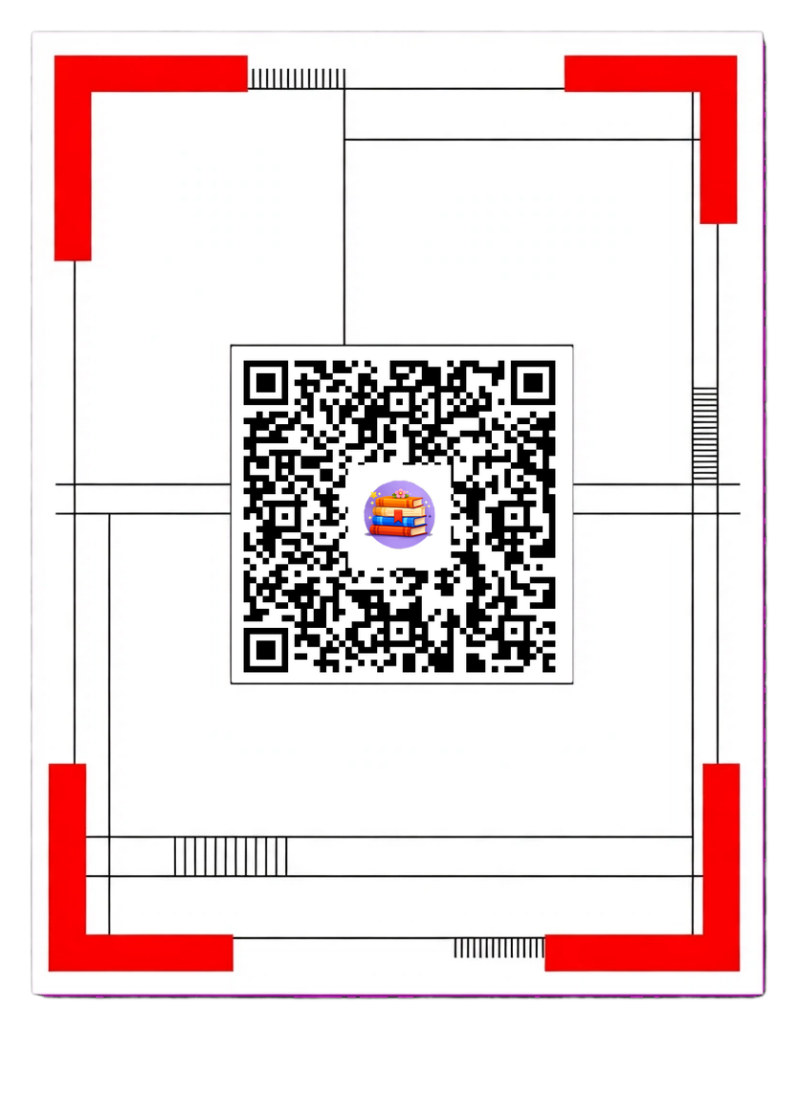
-SCAN-ME- QR-Code for the FREE App : "Book Challenge" -SCAN-ME-
📚 Reading Challenge: your personal reading goal in your pocket
Reading Challenge is a free app that helps you track how many books you read this year. Set a goal, add every book you finish and watch your progress grow. The app is a gift for the loyal visitors of Ann’s book blog.
What can you do with it?
📖 Follow your reading goal
- Choose your own yearly goal, for example 30 or 70 books.
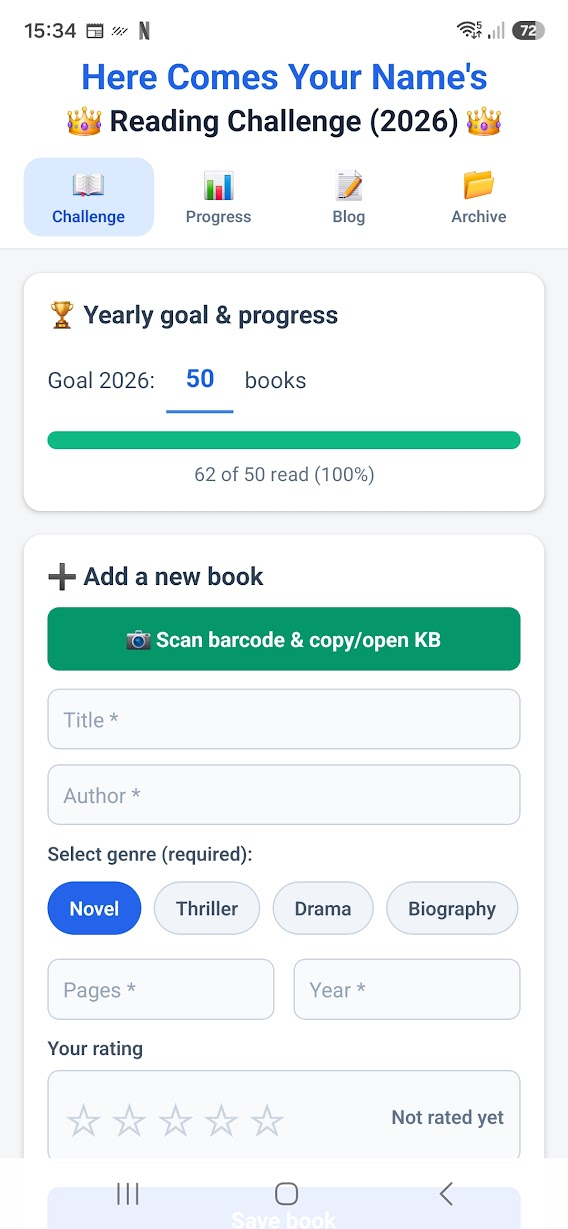
- A progress bar shows how far you are.
- Your name appears at the top of the title, so it’s truly your challenge.
➕ Keep track of your books
- Record the title, author, genre, number of pages and year.
- Give each book a rating of 1 to 5 stars, and change it later by tapping the stars.
- Scan a book’s barcode (ISBN). The number is copied and the KB catalogue opens, so you can look up the details quickly.
📊 Statistics and rewards
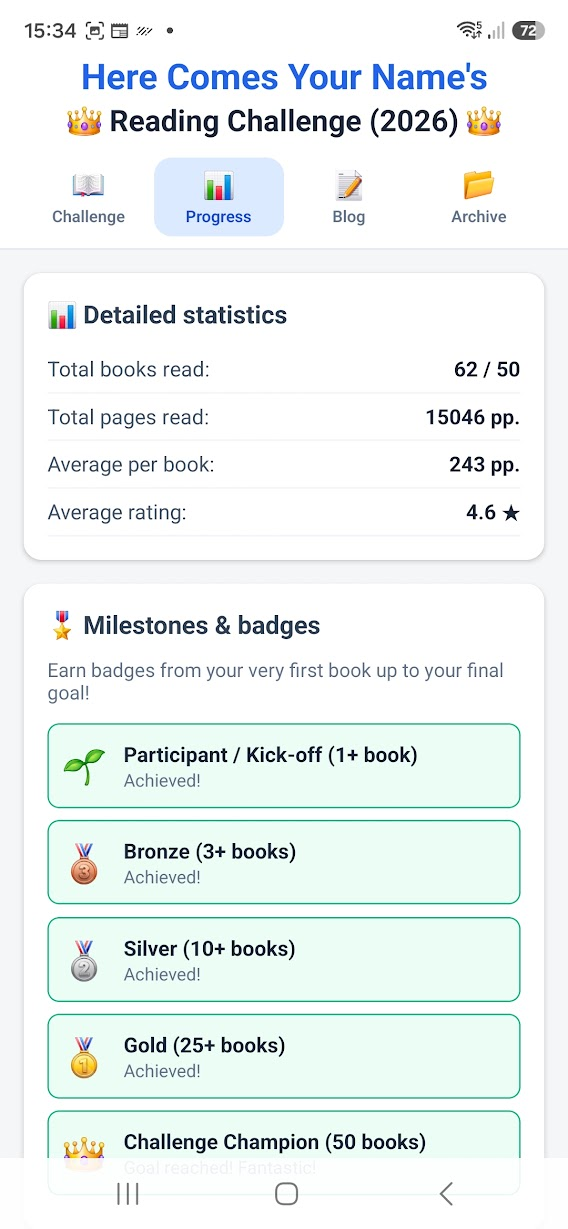
- Total books and pages read, the average per book and your average rating.
- Badges along the way, from your very first book up to your final goal.
- Highlights: your thickest and thinnest book, and your highest- and lowest-rated book.
- A books per month overview, so you can see when you read the most.
- A breakdown by genre.
📂 Close the year and keep your history
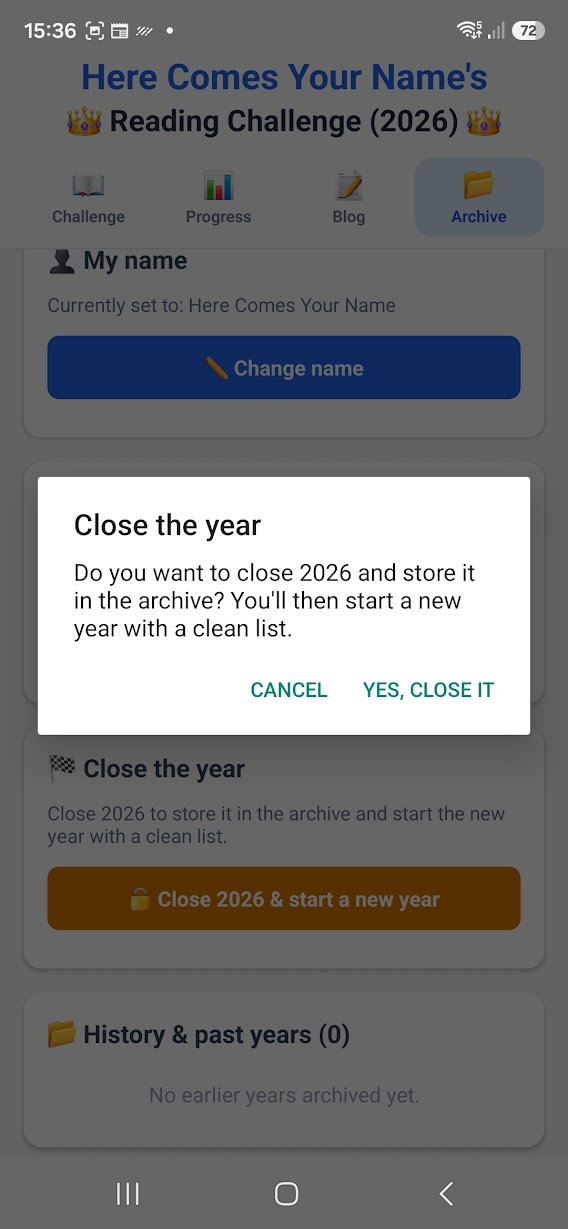
- Close the year and store it in your archive. The new year starts with a clean list.
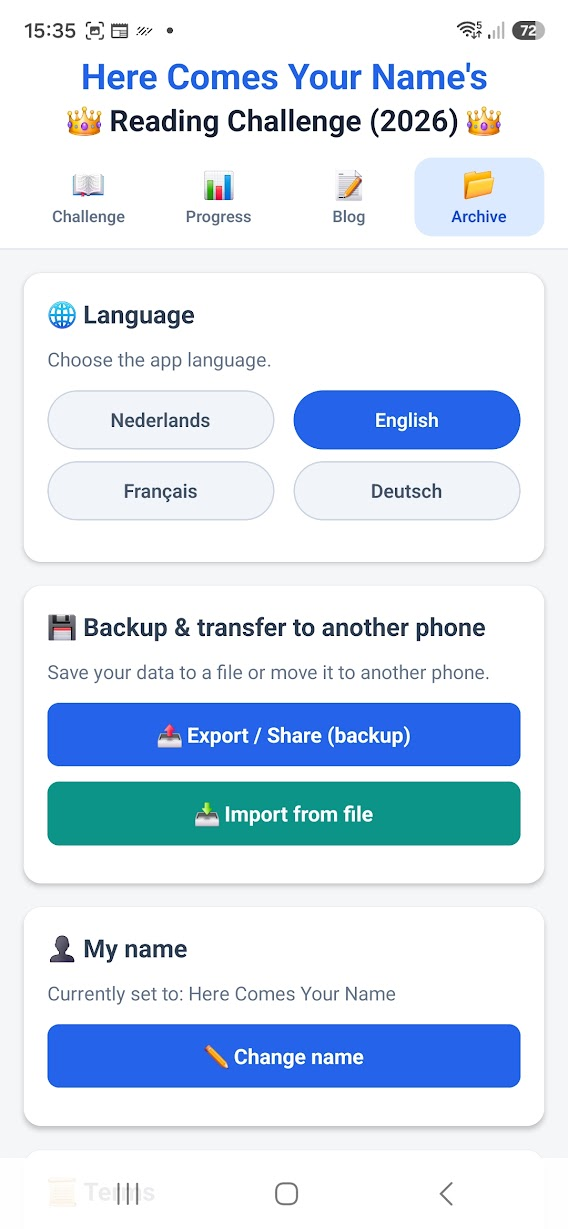
- Back up your data and move it to another phone.
🌍 Four languages
Nederlands, English, Français and Deutsch. You choose the language inside the app. Note: the app is available in English, but the KB catalogue it links to is the Dutch Royal Library, so that website is in Dutch.
🔒 Privacy
Everything stays on your phone. There is no account, no tracking and no data is sent anywhere. The camera is only used to scan barcodes.
How to Install this App (Android)
Because this app is available independently directly via Google Drive, Android will require you to allow manual installation before you can open it. Follow these quick steps to get started:
-
Download the APK File
-
Click the download link to save the .apk file from Google Drive to your device.
-
-
Allow Installation from Unknown Sources
-
When you open the downloaded file, Android may show a prompt: "For your security, your phone is not allowed to install unknown apps from this source."
-
Tap Settings on that prompt.
-
Toggle ON the switch for "Allow from this source" (e.g., Chrome, Google Drive, or your File Manager).
-
-
Install the App
-
Press the Back button to return to the installation screen.
-
Tap Install and wait a few seconds for the process to complete.
-
-
Bypass Play Protect Warning (If Appears)
-
If Google Play Protect shows a pop-up saying "Unsafe app blocked" or "Blocked by Play Protect":
-
Tap More details (or Advanced).
-
Select Install anyway to proceed.
-
-
Open and Enjoy
Project: Book Challenge
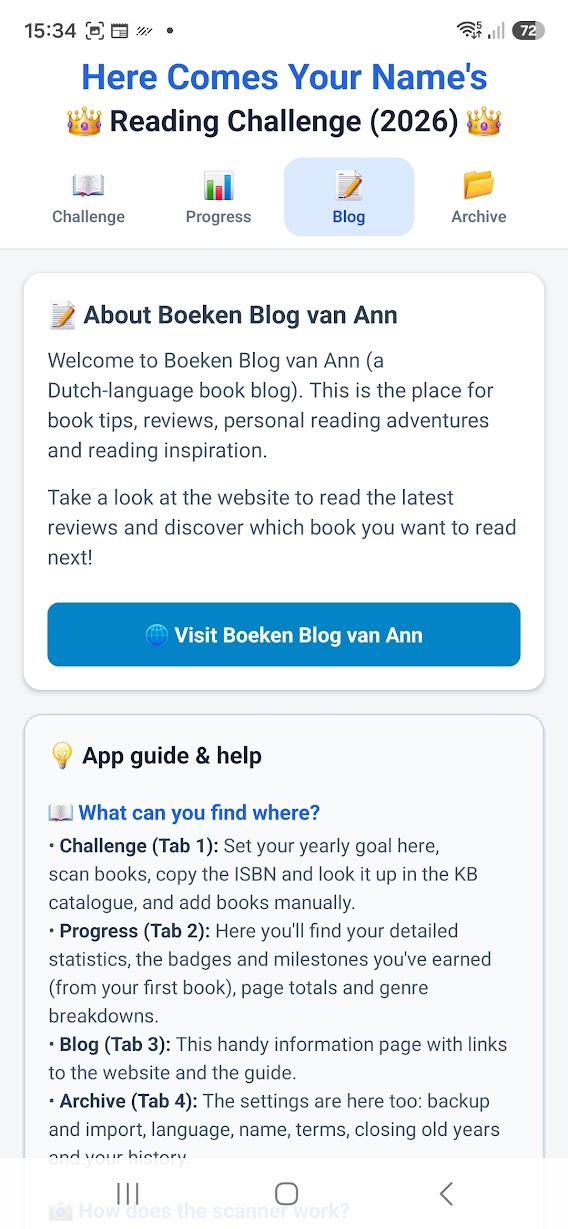
Client: Ann’s Book Blog
My role: App development / design
Status: Live
About this project
Commissioned by Ann’s Book Blog, we developed the Book Challenge app. The app lets readers set a yearly reading goal, log the books they finish, rate them and follow their progress with statistics, badges and a books-per-month overview.
The final result is available to the blog’s loyal visitors as a free gift.
View the result
Visit Ann’s Book Blog: https://www.boekenblog-van-ann.nl/