Read this first : DISCLAIMER

Disclaimer & Terms of Use – ScreenpaperShow
Last updated: October 2026

Welcome to ScreenpaperShow. By using this application, you agree to the following terms and conditions and exclusion of liability.

1. Use at Your Own Risk
The use of ScreenpaperShow is entirely at your own risk. The application and all digital images and functionalities provided within are delivered on an "as is" and "as available" basis, without any form of explicit or implicit warranty.

2. Exclusion of Liability
The developer and owner of ScreenpaperShow shall under no circumstances be liable for any direct, indirect, incidental, or consequential damages resulting from the use or the inability to use the app. This includes, but is not limited to:

  • System Performance and Battery: Potential changes in battery consumption, memory usage, or general system performance of your device caused by setting or displaying backgrounds.
  • System Settings: Unexpected errors, crashes, display glitches, or changes to the device's screen settings (such as the home or lock screen).
  • Hardware and Software Damage: Any technical malfunctions, data loss, or damage to your mobile device or operating system.

3. Intellectual Property & Copyright
All graphic works, images, and designs displayed in the app are protected by intellectual property rights and are the property of the creator/publisher of ScreenpaperShow, or are used under license.

  • Personal Use: Users are permitted to use the images exclusively for personal, non-commercial use as a background on their own device.
  • Commercial Restrictions: It is expressly prohibited to redistribute, sell, modify, upload to other platforms, or commercially exploit the images without prior written consent.

4. Availability and Updates
We reserve the right to modify, temporarily interrupt, or permanently terminate the app, its functionalities, or the provided content at any time and without prior notice.

5. Changes
This disclaimer may be updated from time to time to align with new functionalities or legal requirements. By continuing to use the app after changes have been made, you agree to the updated terms.


Handleiding: een app (APK) installeren

Handleiding: een app (APK) installeren 

Als je een e-mail hebt ontvangen met een link naar het .apk-Bestand, volg dan deze eenvoudige stappen om de app op je telefoon te zetten.


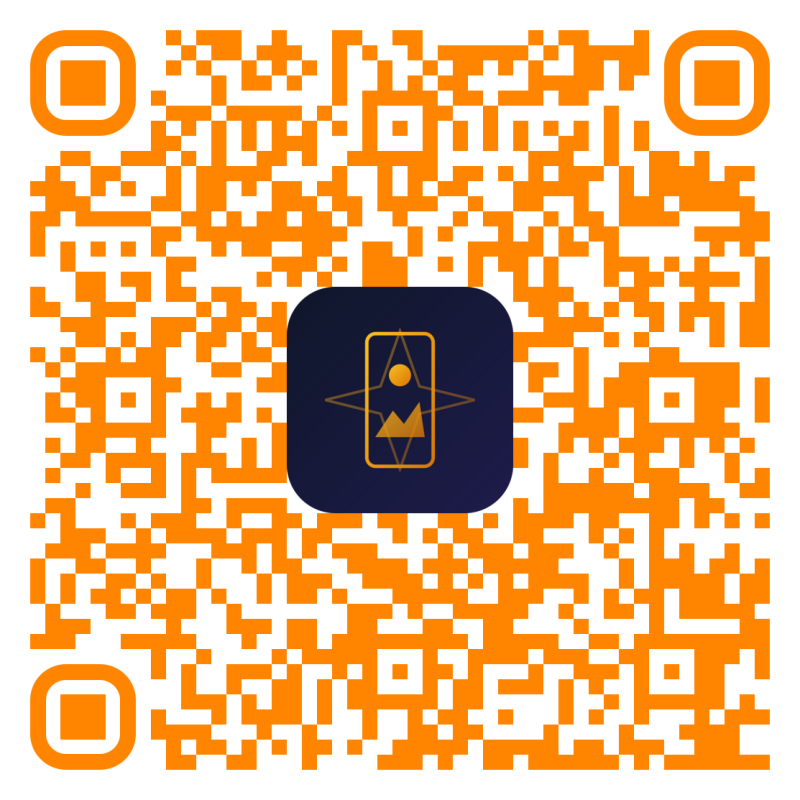
1.Open de link op je telefoon: e-mail. of via de QR code boven in de pagina 
  1. Open de e-mail op je Android-telefoon.

  2.   Tik op de link of de knop om de app te downloaden 


2. Download de app: 
  1. De download opent nu op je scherm.

  2. Tik op de knop Downloaden (of het icoontje met een pijltje naar beneden).

  3. Krijg je de melding "Het bestand kan niet op virussen worden gescand"? Tik dan gerust op Toch downloaden.


3.Geef eenmalig toestemming (indien gevraagd):Beveiligingsmelding.

Krijg je een melding dat je telefoon geen apps van "onbekende bronnen" mag installeren?

  1. Tik in de melding op Instellingen. 

  2. ga naar privacy en klik er op en scroll naar beneden 
  3. Zet het schuifje om bij "Toestaan van deze bron" (of "Installeren van onbekende apps").

  4. Tik op het pijltje Terug linksboven om terug te gaan naar het installatiescherm.


4.Installeer de app:Installatie.
  1. Je ziet nu het installatiescherm van de app met de vraag "Wilt u deze app installeren?".

  2. Tik rechtsonder op Installeren.

  3. Verschijnt er een melding van Google Play Protect ("Onbekende ontwikkelaar" lub/of "Geblokkeerd door Play Protect")? Tik op Meer details en kies voor Toch installeren.


About Wallpaper APP ScreenPaperShow     [ Android version for your telephone ]
Wallpaper APP ScreenPaperShow is a sleek and stylish mobile application, specifically designed to instantly provide your smartphone with unique, high-quality digital artwork. No complicated menus or redundant options, but a fast and visual experience where the wallpapers take center stage.

What the app does and how it works

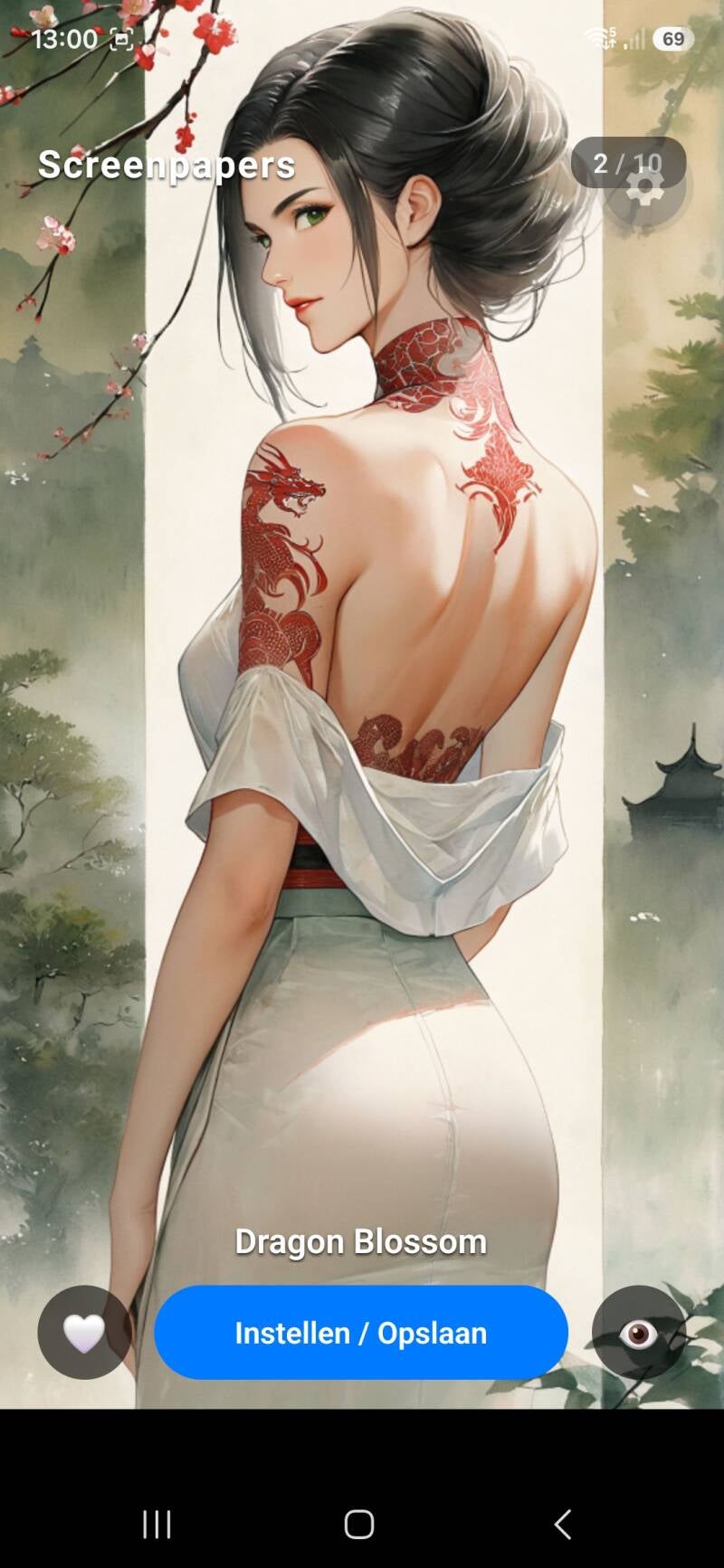
  • Effortless swiping through the collection: Thanks to the intuitive swipe functionality, you can effortlessly browse horizontally through the exclusive collection of backgrounds. With a single swipe across the screen, you immediately see the next image in full glory.
  • No distractions (Preview Mode): Want to see what the artwork looks like without buttons or text on the screen? A single tap on the eye icon (or on the image itself) instantly hides all controls for a clean, full-screen view.
  • Quickly choose the perfect background: Once you have found your favorite design, simply tap the "Set / Save" button. A clear options menu will open immediately.
  • Set directly on your device: Choose exactly how you want to apply the image in the pop-up:
    • Home screen: Give your main screen a fresh, stylish look.
    • Lock screen: Show an impressive piece of art as soon as you pick up your phone.
    • Both screens: Set the background for your entire device at once.
  • Keep track of favorites: See a background you want to find back later? Tap the heart icon to immediately mark it as a favorite.

With ScreenPaperShow, you change the look of your phone in just a few seconds!


Rating: 0 stars
0 votes

Add comment

Comments

There are no comments yet.